XinYu AI — one canvas, from idea to final cut

XinYu AI is a multi-model AI creative platform for creators — generate images, video, audio and text, and ship publish-ready work in one place.

What is XinYu AI?

XinYu AI (心宇 AI) is a multi-model AI creative platform for creators. At its core is a creative canvas where you generate images, video, audio and text in one place and produce publish-ready work — no switching between tools.

What can XinYu AI do?

On a single canvas: AI image generation, video generation, storyboarding, audio and text creation; with reference-image character locking, free switching between models, native 4K output, and a full pipeline from draft to finished cut.

Which AI models does XinYu AI support?

XinYu AI integrates leading generative models including the full Seedance 2.0 (video), Kling (video), GPT Image 2 and Nano Banana Pro (image), switchable on one canvas — no need to sign up for each provider separately.

Is XinYu AI free?

There is a free tier to start creating right away; higher usage is via pay-as-you-go credits or a subscription. See the pricing page for details.

How is XinYu AI different from other AI generators?

Most tools are single-purpose generators. XinYu AI is a full creative pipeline: one canvas connecting generation, references, storyboarding and final output — built for creators who actually publish, not just make one image.

Who is XinYu AI for?

Content creators, short-video and short-drama makers, designers, and teams that need to produce AI images and video at scale and consistently.

Does XinYu AI support Chinese?

Yes. The interface is bilingual (Chinese and English), with full Chinese prompt and creative-workflow support.

Can I use XinYu AI via CLI or other tools?

Yes. XinYu AI offers MCP and CLI access, so you can call its generation from MCP-capable tools like Claude and Cursor, and from the command line.

Is XinYu AI expensive?

XinYu AI is pay-as-you-go with credits that never expire, and image, video and audio share one balance — no separate subscription per media type. Compared with signing up and subscribing to each generator separately, the same amount of work costs less. A free tier lets you start immediately, and subscribers get up to 20% bonus on top-ups.

How does XinYu AI pricing work?

Pay-as-you-go credits (shared across image/video/audio) — pay for what you use, credits don't expire; subscriptions are also available with better top-up value. There's a free tier to try first; see the pricing page.

XinYu.
AI-native creative canvas

One canvas. Idea to final cut.

Images, video, and storyboards on one canvas — Seedance 2.0 at native 4K, 2.5 at 30 seconds a clip. No tool-switching.

00:00:30:02
Fig. 01 — Dead Frequency · made with Seedance 2.5 · 1080p, 30s, one generation
Seedance 2.0 Access

Full-power Seedance 2.0 — native up to 4K

Three tiers — Standard, Fast, Mini. Standard reaches native 4K, with multimodal image / video / audio references, instant generation, no queue.

01
Full-power access

Complete Seedance 2.0 — Standard, Fast and Mini

02
Image-to-video

Start + end frame control for precise image-to-video

03
Native 4K

Standard outputs up to native 4K, no upscaling

04
No Queue

Submit and generate immediately, no waiting in line

05
Standard · Fast · Mini

4K flagship, cost-efficient Fast, and a free Mini to try

06
Multimodal Refs

Image + video + audio references in a single generation

Built for creators who publish here

GoogleGoogleByteDanceByteDanceTikTokTikTokYouTubeYouTubeMetaMetaSpotifySpotifyFigmaFigmaNotionNotionShopifyShopifyGoogleGoogleByteDanceByteDanceTikTokTikTokYouTubeYouTubeMetaMetaSpotifySpotifyFigmaFigmaNotionNotionShopifyShopify

Not another generator — your full creative pipeline

One prompt. Batch outputs, pick the best.

Produce multiple versions from one creative context, track progress, and push from concept to finished assets — without losing context or switching windows.

  • Generate variants fast and compare side by side
  • Turn a chosen image into a video draft in one flow
  • Progress is visible; control quality and speed on demand

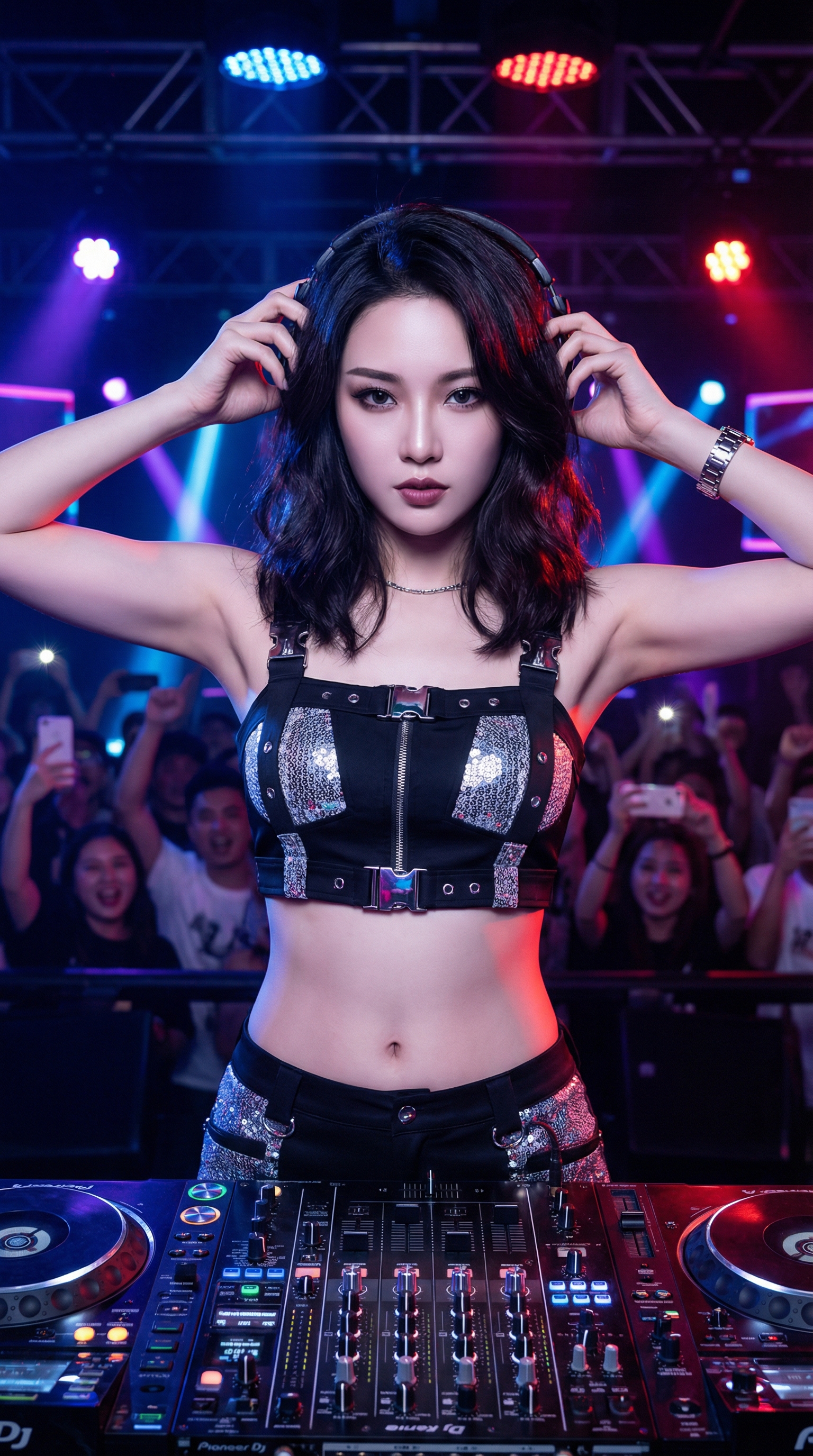
Hyper-realistic photo, Asian female DJ, neon nightclub stage, metallic outfit, cinematic lighting, 4K...

Nano Banana Pro
16:9 · 4K
credits
Generated variant
Done
Generated variant
Done
Generating
Queued
Cinematic Control

Professional cinematic camera control

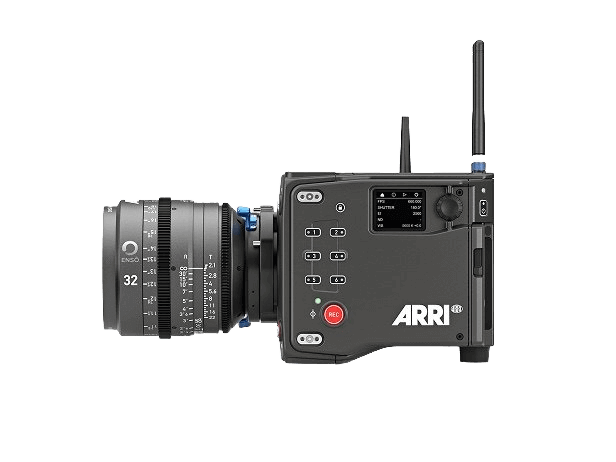
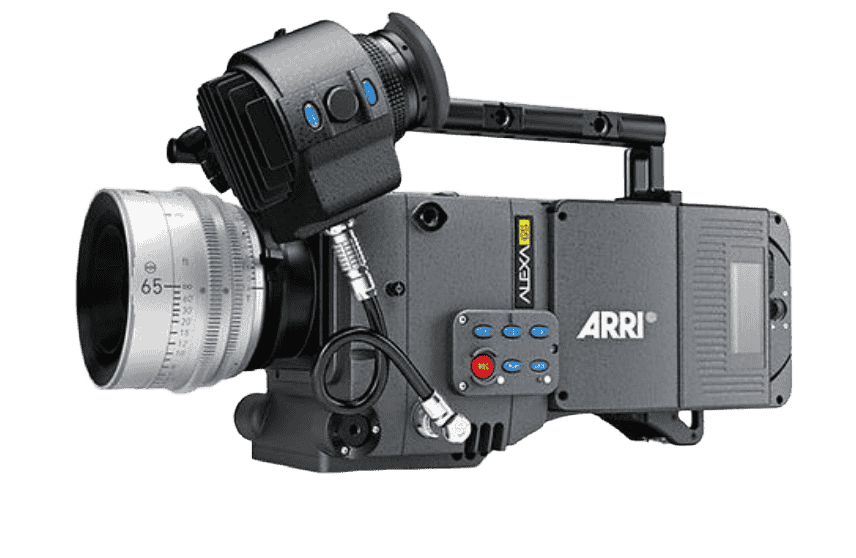
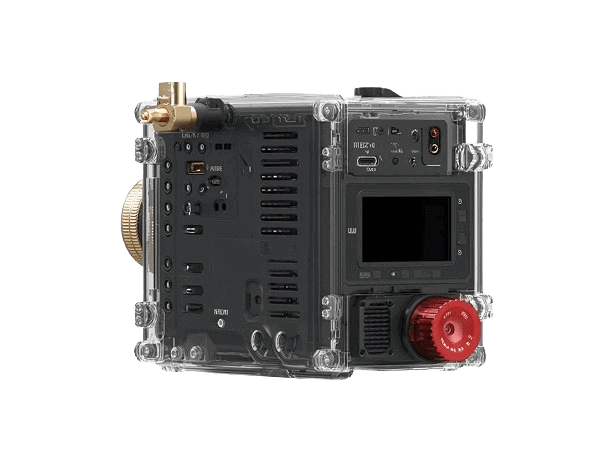
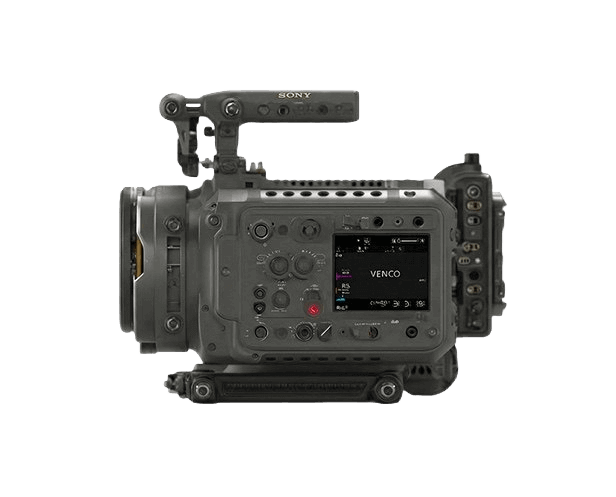
Simulate real-world camera bodies, lenses, focal lengths, and apertures. Move beyond random generation to meet strict cinematic standards.

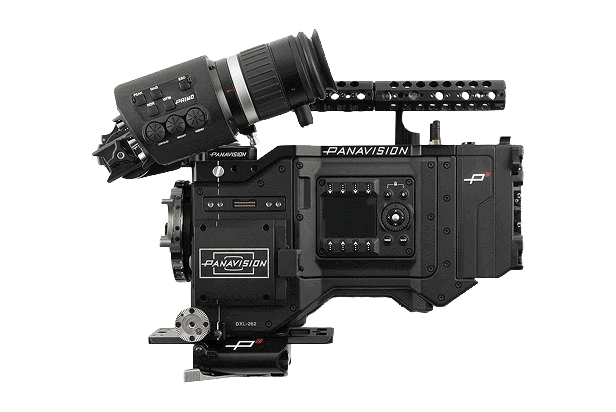
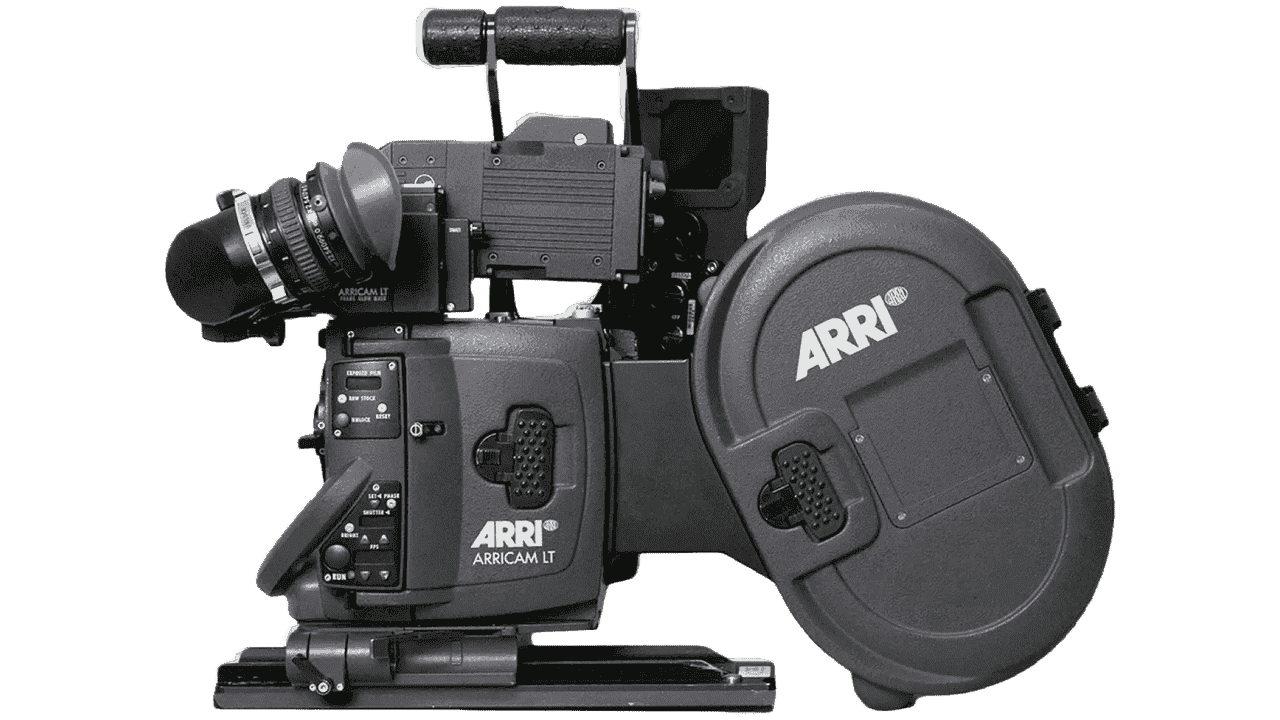
  • Choose from 9 professional cinema cameras including ARRI, RED, and Sony
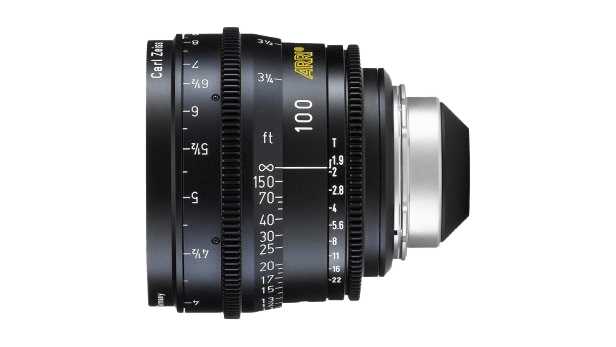
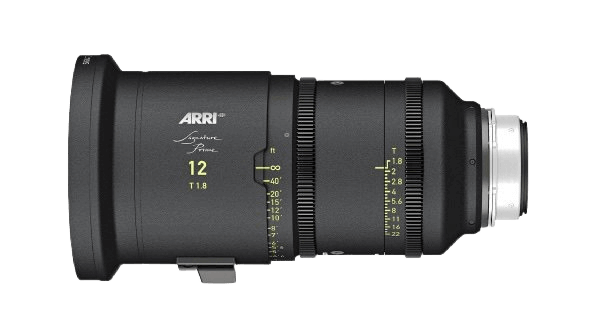
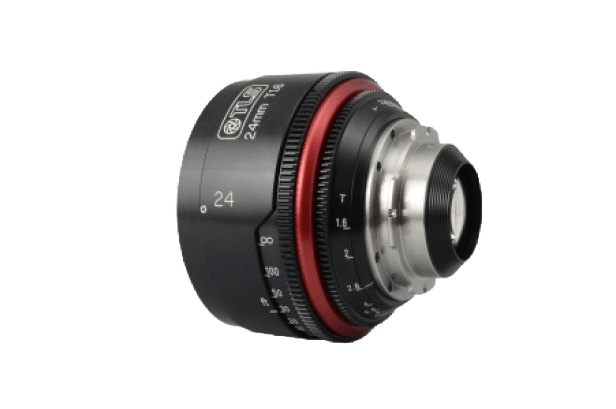
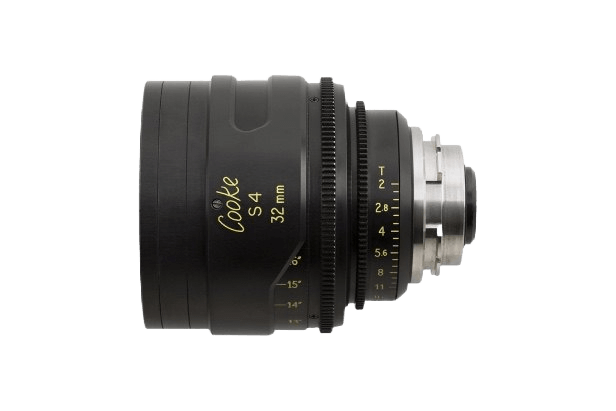
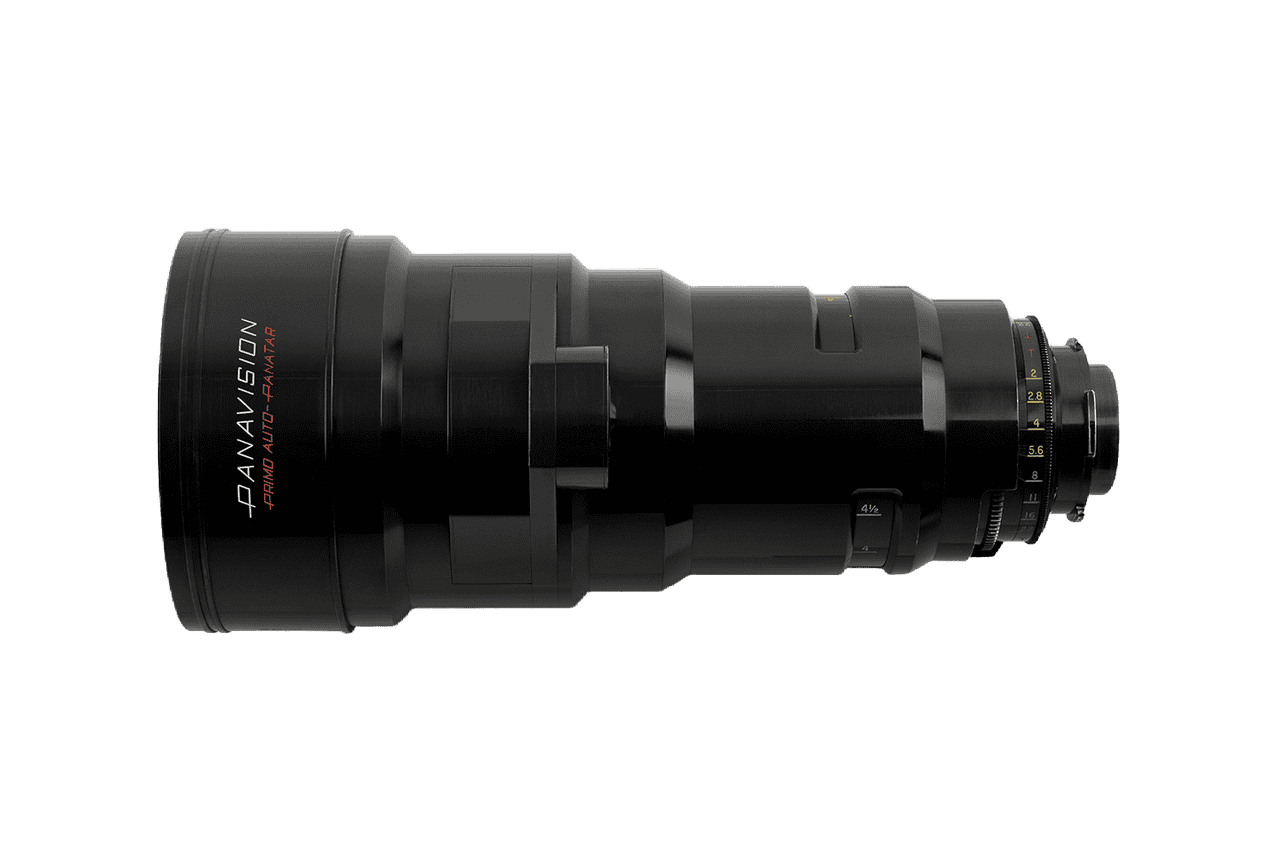
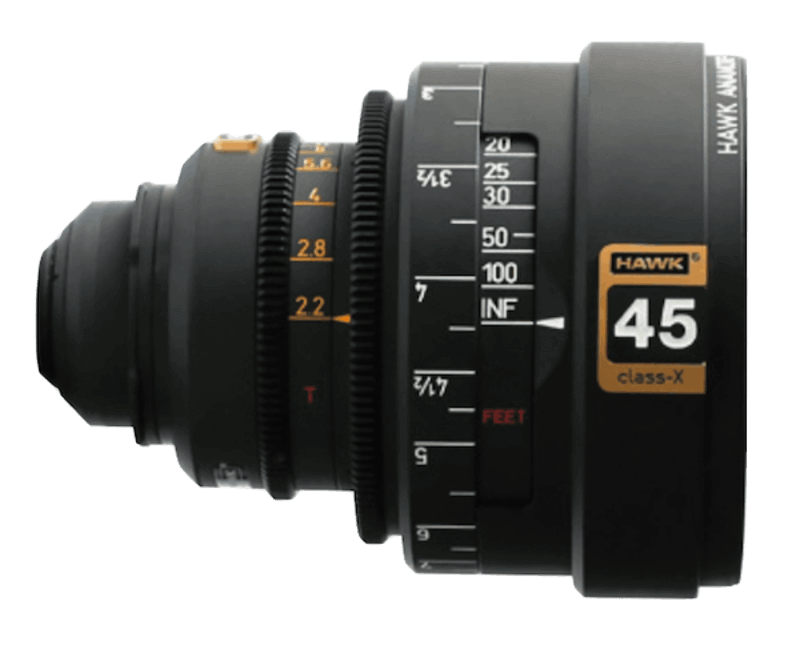
  • Match lens characteristics from Cooke, Zeiss, and Panavision
  • Fine-tune focal length and aperture for precise depth of field
Try camera control
Camera Control
Camera
Sony Venice
Arri Alexa 35
Arri Alexa 65
Red V-Raptor
Panavision DXL2
Arricam LT
Sony Venice
Lens
Zeiss Ultra Prime
Arri Signature
Canon K-35
Cooke S4
Panavision Primo
Hawk Class X
Cooke S4
Focal
14mm
24mm
35mm
50mm
75mm
125mm
35mm
Aperture
ƒ/1.4
ƒ/4
ƒ/11
ƒ/1.4
Lighting Design

10 cinematic lighting patterns at your fingertips

From Rembrandt to Tyndall, apply professional lighting setups with real-time preview. Control pattern, direction, and color atmosphere independently.

  • 10 industry-standard lighting patterns with visual preview
  • 7 light directions and 13 color atmospheres to mix and match
  • 3D relight tool with adjustable azimuth, elevation, and color temperature
Try lighting control
Lighting Control
03 / 03

Start now. Make the picture real.

Start free — native 4K on Seedance 2.0, 30-second clips on 2.5.